For busy professionals. Live online with Josh Cross

Set up an AI assistant that actually works, by noon.

A live 3-hour online workshop with Josh Cross. Thursday, November 19, 9 AM to noon Mountain. You build it with your own work and email, in your own Claude.

Save my seat, $97

If your AI assistant isn't working by noon, I keep helping you by email until it is.

  • $97 now. $147 after Friday, November 13, at 5 PM Mountain.
  • Plus two courses, the full replay, and Kai Link to keep.
  • Works by noon or I keep helping. Full refund through Thursday, December 3.

You need Claude Pro, $20 a month. The setup step checks your plan first.

“You may have just saved my quality of life.”
Tegan, VP of HR at Manor Med Spa, after one session.
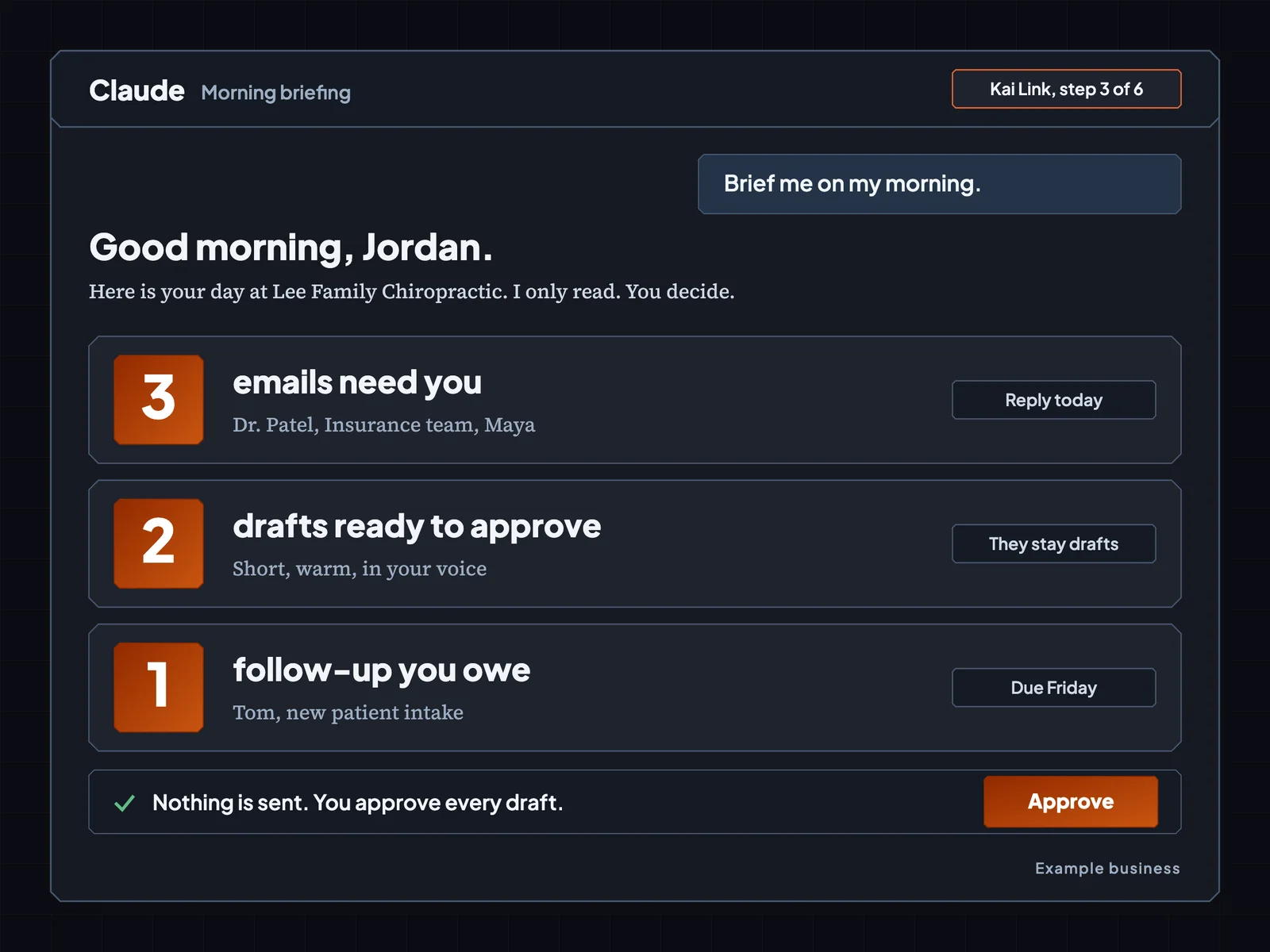
A Claude chat window showing a morning briefing: three emails that need you, two drafts ready to approve, one follow-up you owe. Kai Link, step 3 of 6. Example business.

“The future is already here. It’s just not very evenly distributed.”

William Gibson
How this is different

Why this is unlike any AI workshop you've been to

Some people already have AI doing real work for them every day. On Thursday, you get yours. Claude can do almost anything. Out of the box, most of it comes out just okay. On Thursday we set it up for your work, so a few jobs come out really well. We cut the noise, so you only set up what you'll use.

You build on your own work and your own email.

You bring your real work, so what you build on Thursday is what you use on Friday.

A coach inside your Claude keeps your place.

It's called Kai Link, and you type “next” to get each step. If you get lost, it knows exactly where you are.

You leave with it working, or I keep helping.

I stay with you by email until your AI assistant does its job.

Sound familiar?

Does this sound like your week?

  • “My inbox is a pile I never finish.”
  • “I can't remember who I owe a reply.”
  • “Claude gives me answers that could be for anyone.”
  • “I don't have time to learn one more tool.”
  • “I'm afraid of what AI might send in my name.”
  • “Everybody says AI saves time, and I'm still answering email at 9 PM.”

Your AI assistant does the paperwork, so you get your evenings back.

What you build

Five jobs your AI assistant does by noon

Your AI assistant lives inside your own Claude. Each job below is a real step on Thursday. Once it's set up, you hand it the work.
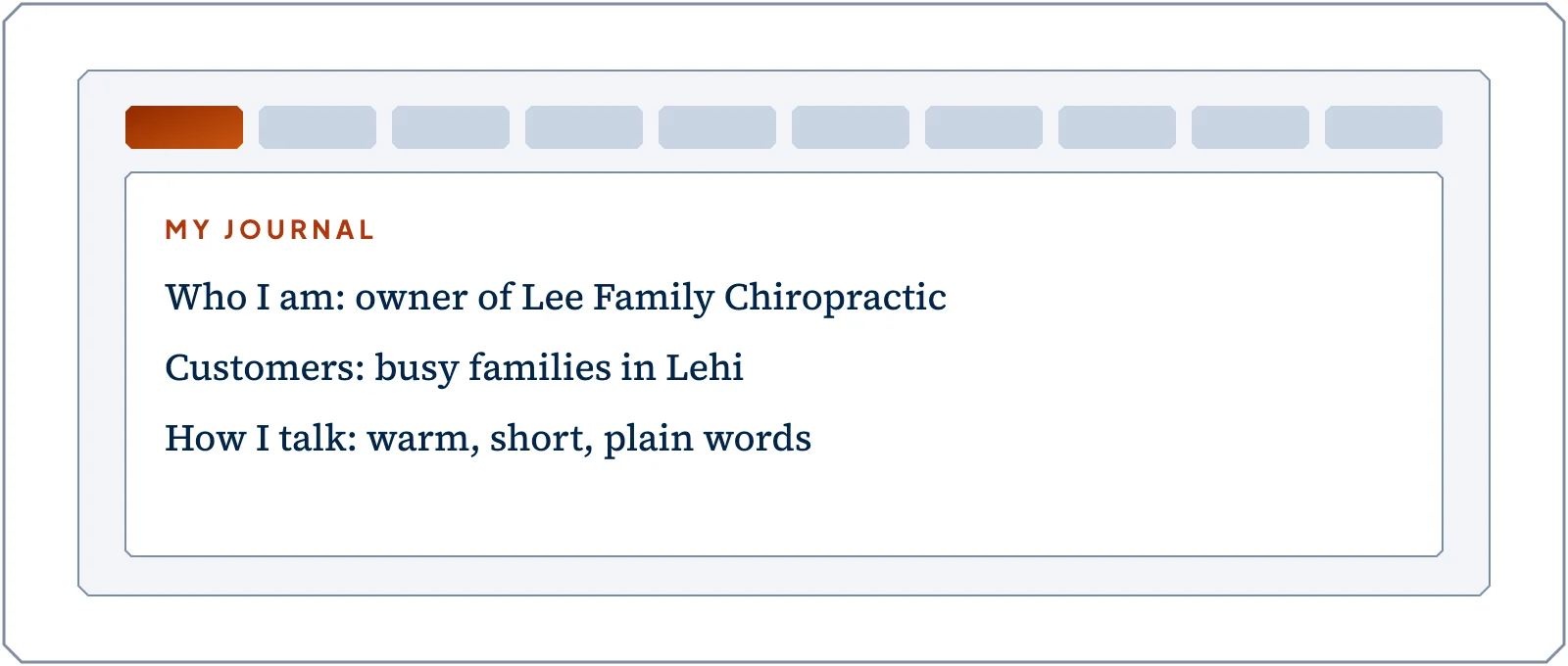
  1. A journal with ten tabs that Claude reads first.

    It knows your work.

    You answer seven questions out loud or in writing, and Claude builds you a journal it reads first in every new chat.

    “Josh helped me build an AI system in Claude, that is trained on my past, my current state, and my goals.”
    Aidan
    A 5-star review on Trustpilot
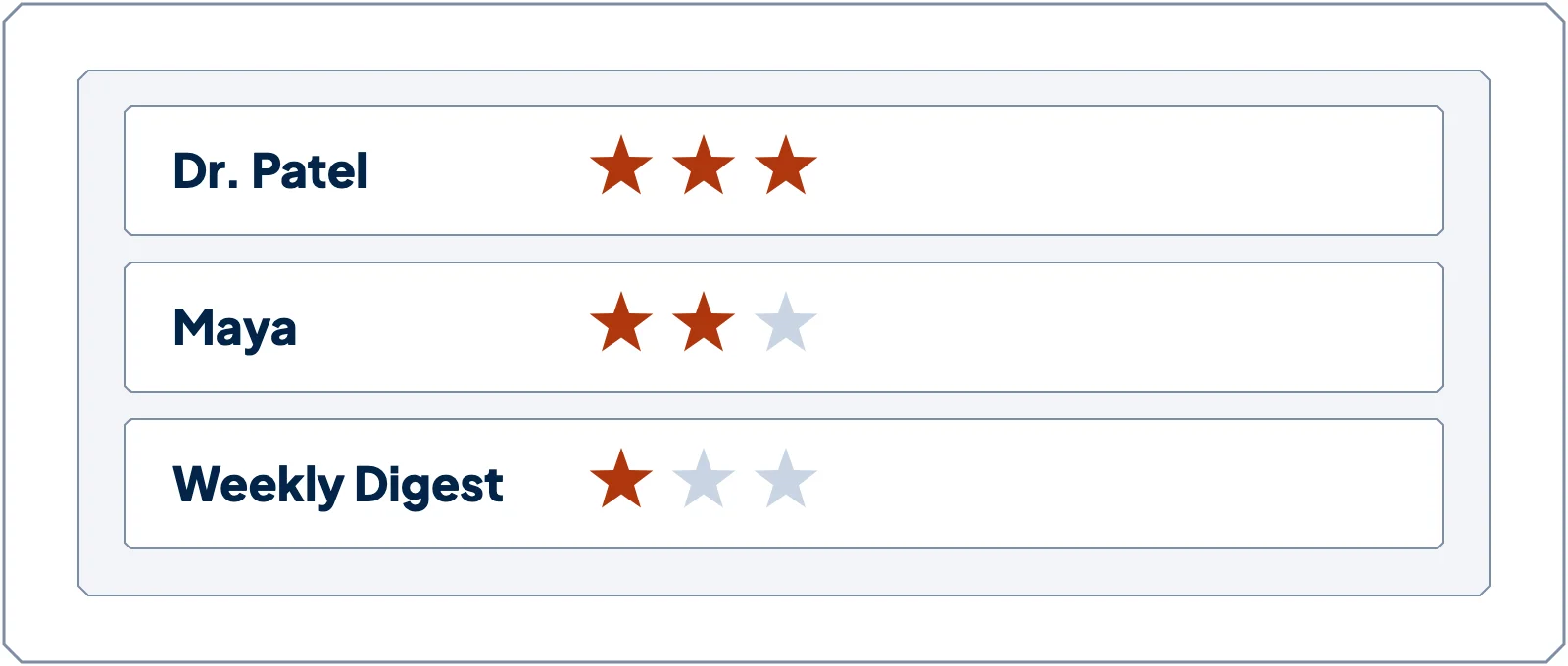
  2. Senders rated with one, two or three stars.

    It knows who matters.

    You give each sender one, two, or three stars, so it learns which emails deserve you first.
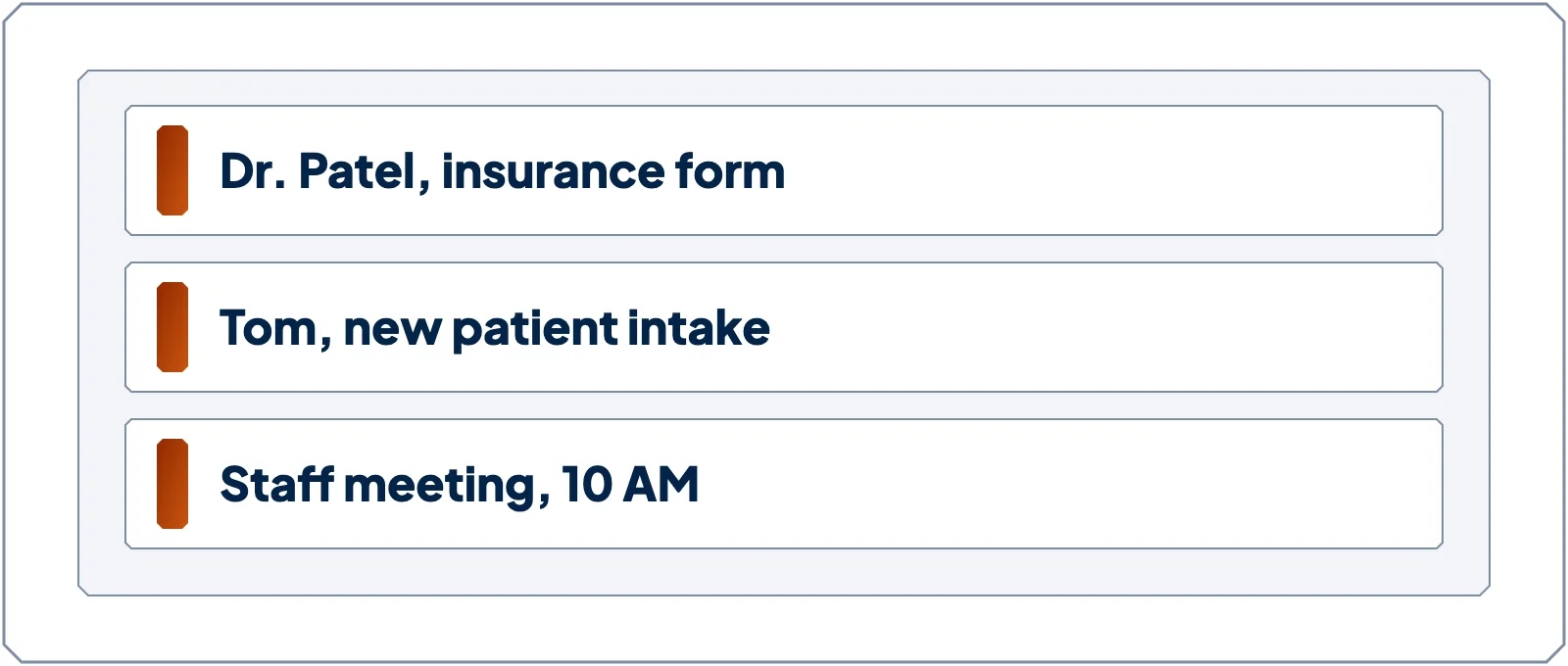
  3. A briefing with emails that need you, things you owe and events today.

    It briefs you on your inbox.

    Any morning you ask, you see what came in, what you owe, and what's on your calendar today.
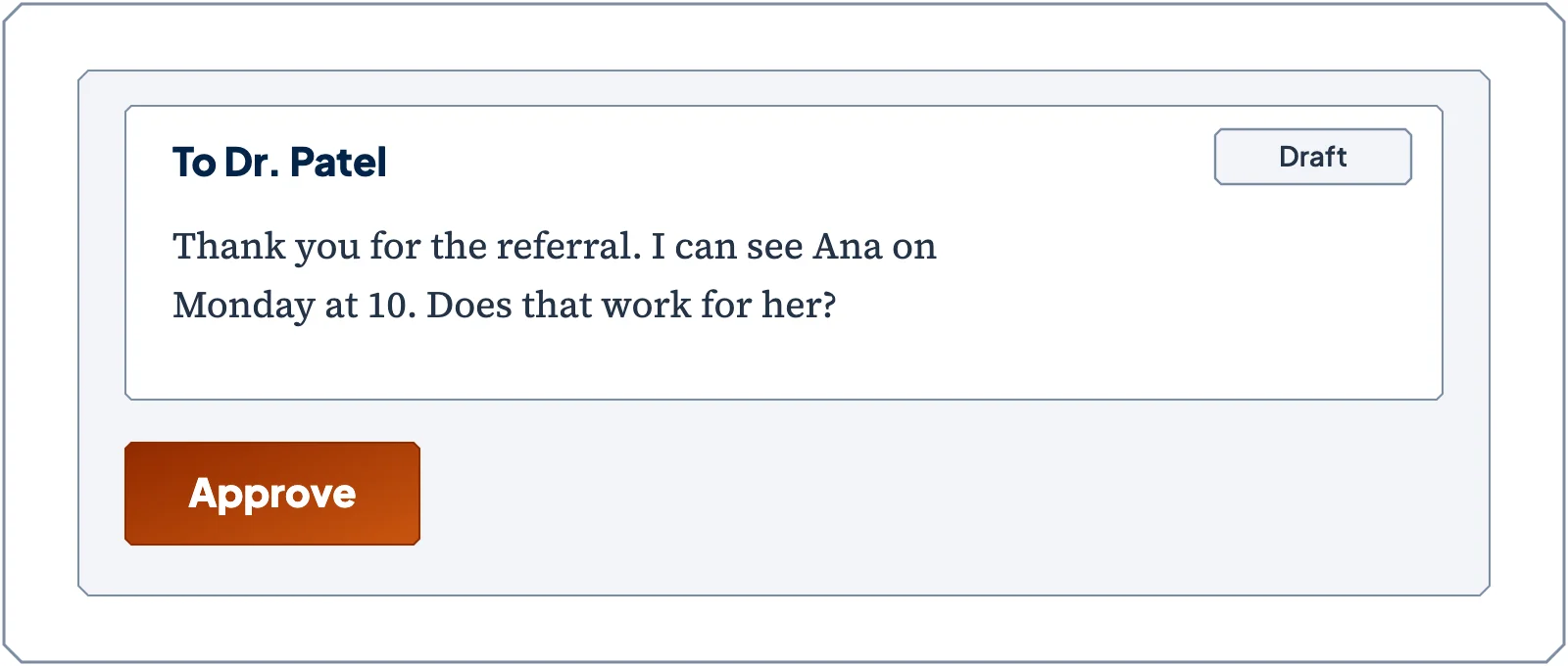
  4. A reply draft with an Approve button.

    It drafts your replies in your voice.

    You read each one and decide, and nothing is ever sent for you.
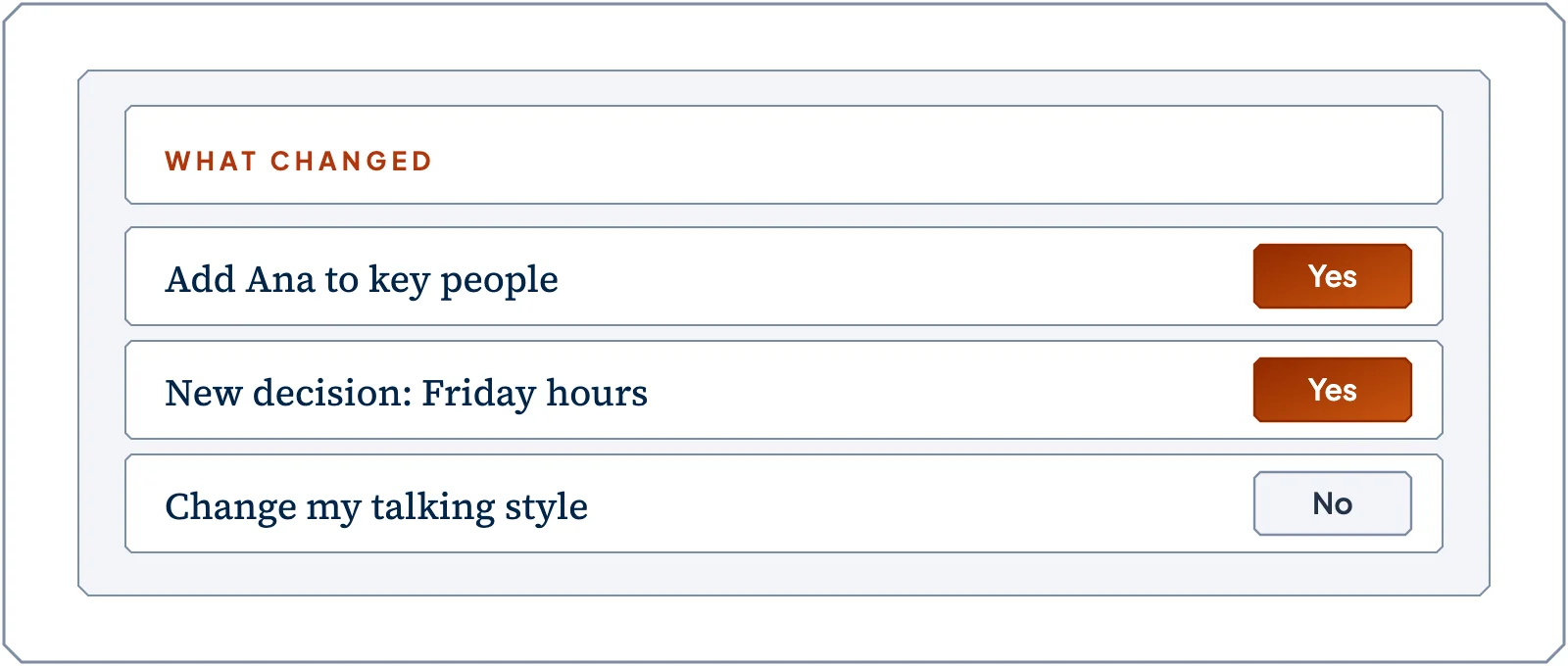
  5. A short table of what changed in your journal.

    It keeps its own notes up to date.

    You add a small helper, called a skill, that keeps your journal up to date as your work changes.

It drafts. You decide.

A look inside

What you'll see on Thursday

Example business: Jordan Lee, Lee Family Chiropractic. These screens come from the real steps, with made-up information.
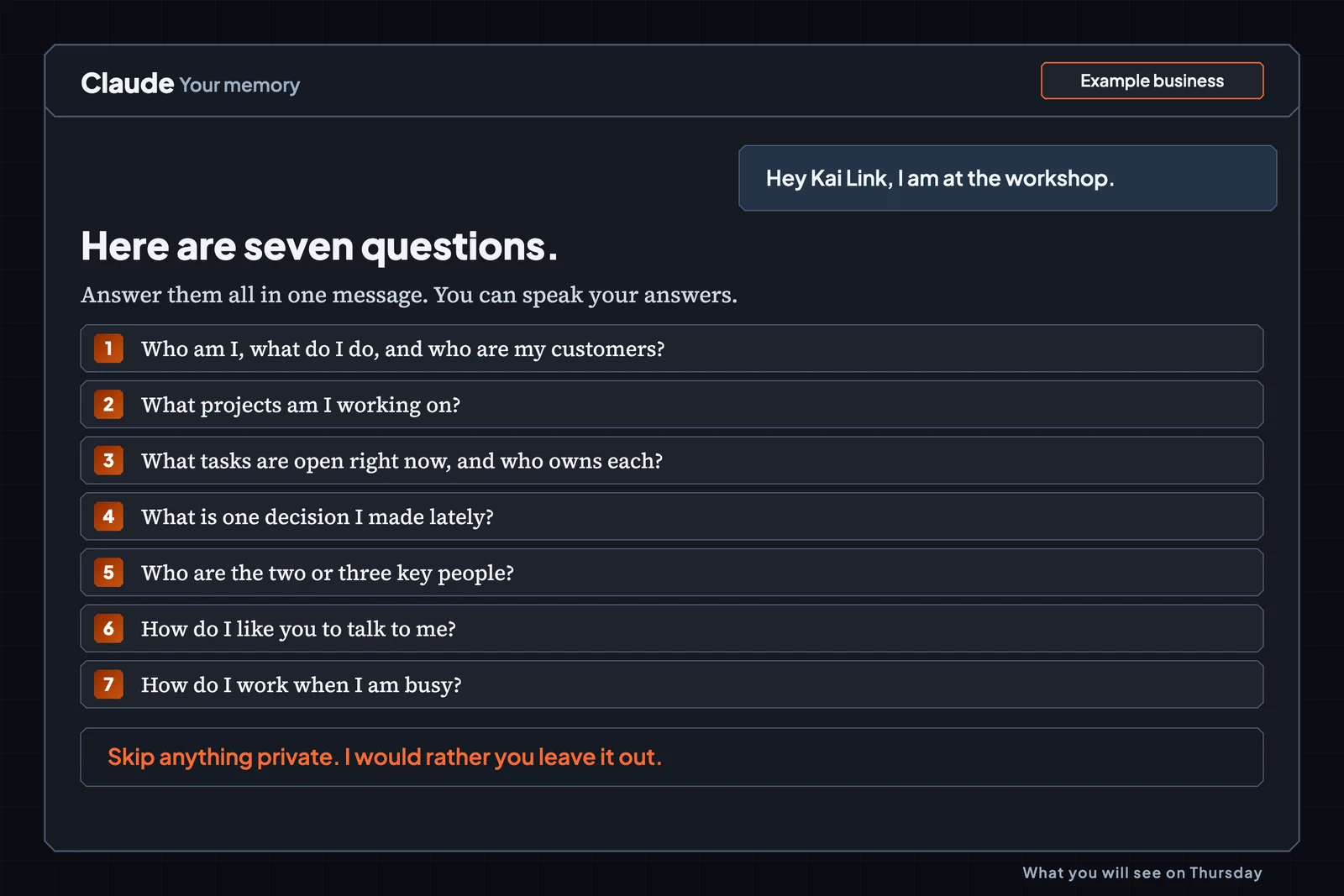
  • Claude asks seven questions about your work in one message. Example business.

    Talk for one minute and Claude writes it all down.
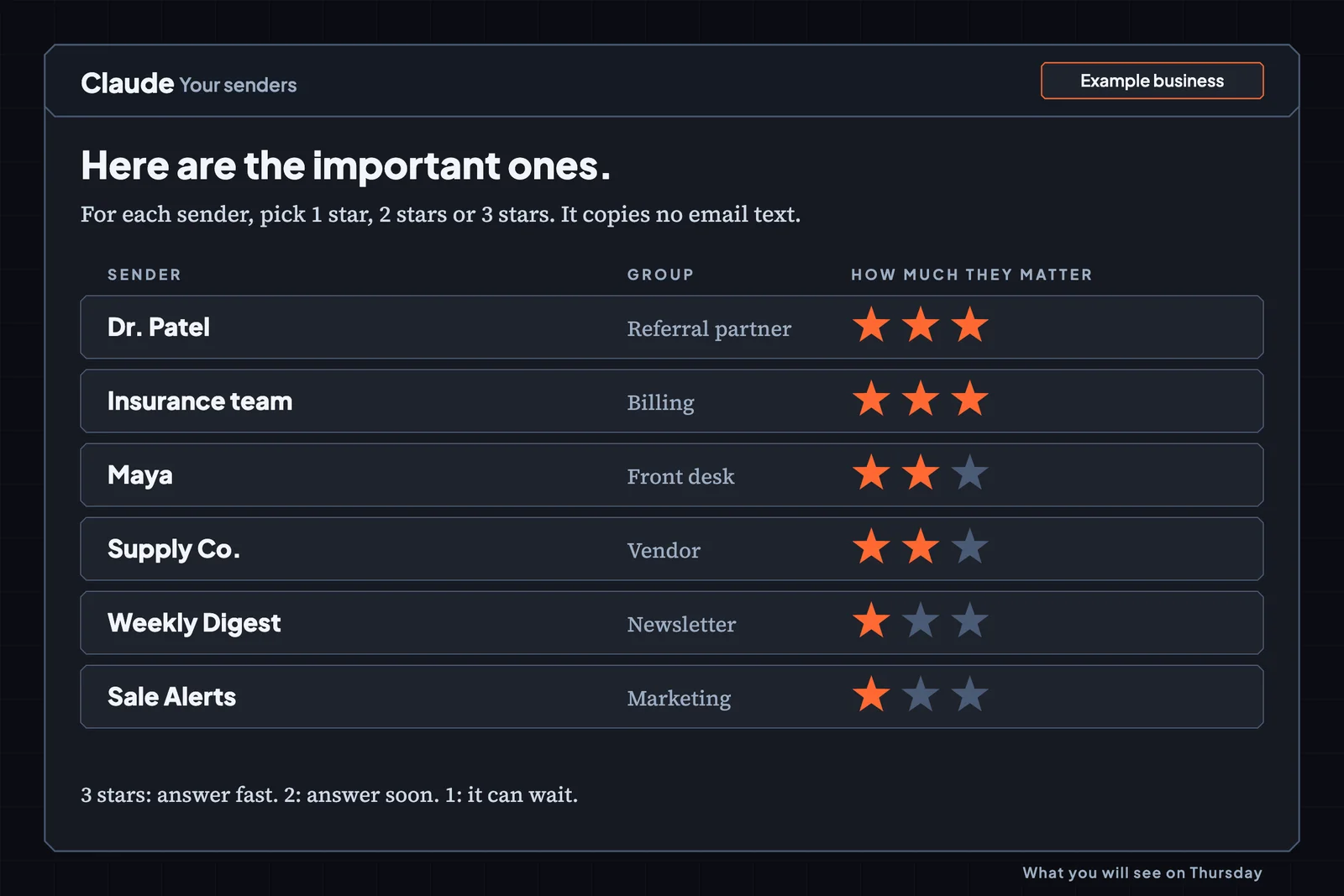
  • A sender list where each sender gets one, two or three stars. Example business.

    Pick one, two, or three stars, and Claude learns who matters.
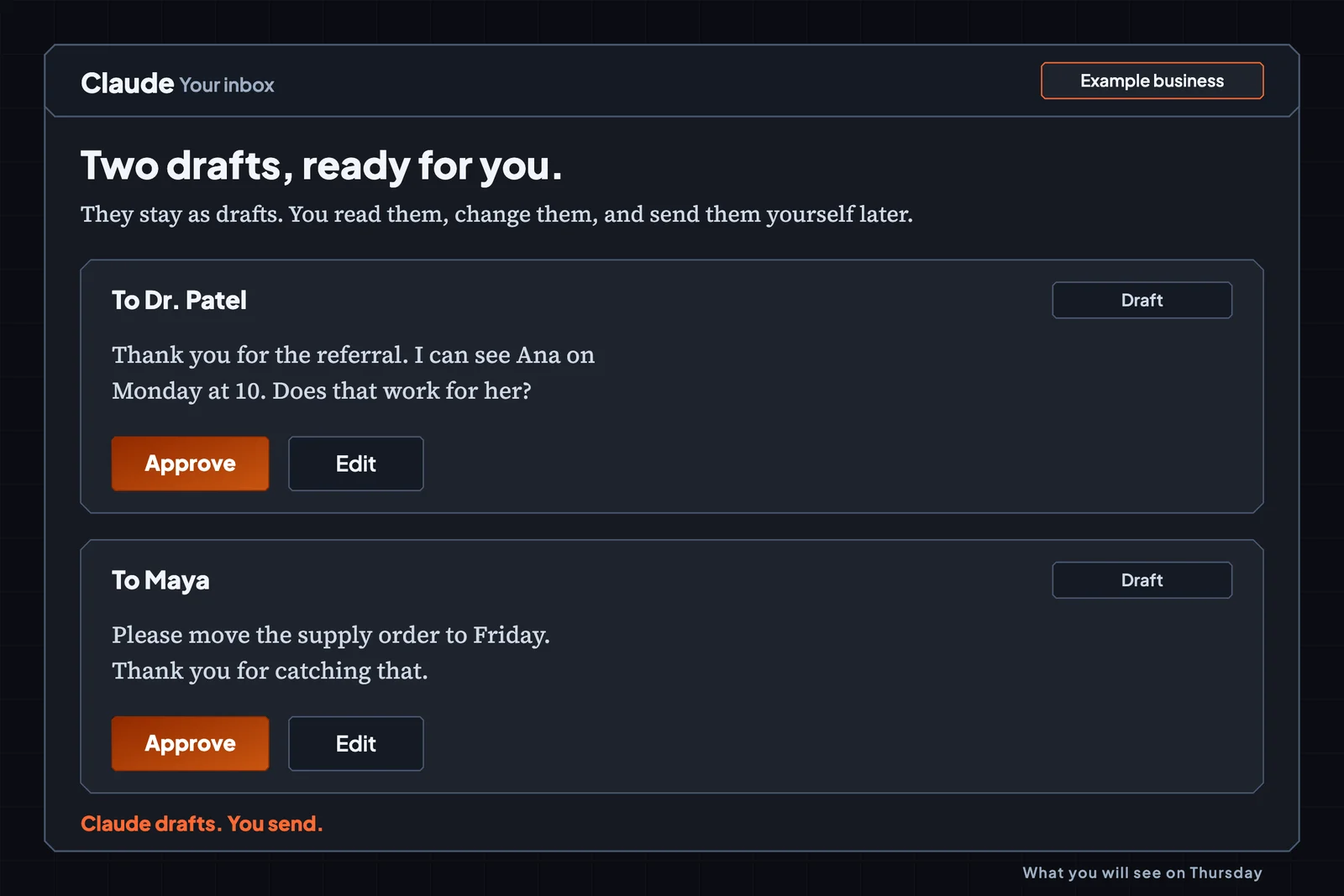
  • Two reply drafts waiting for approval. Nothing is sent. Example business.

    Claude writes the reply and you press send, because Claude never does.
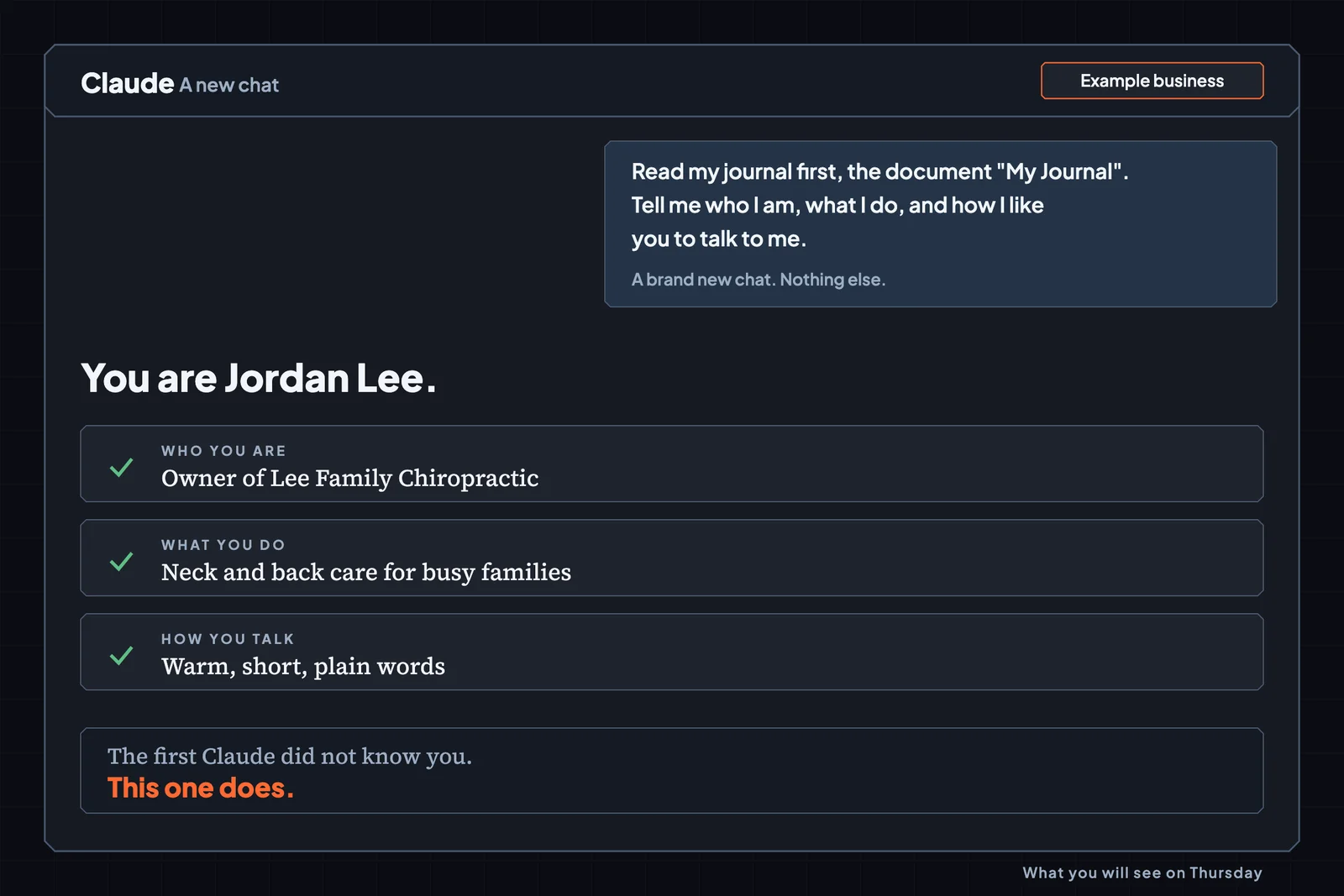
  • A fresh chat answers who you are, what you do, and how you like to talk, because it read your journal. Example business.

    Open a brand-new chat. It already knows you.

Your starting point

Wherever you are with AI, you leave with a system that keeps getting better.

Whether you're new, you've dabbled with it, or you're a power user, it's useful for you. You leave with a setup your Claude uses in every chat, and that gets better as you use it. The setup step checks your plan and your tools, then picks your path. Gmail or Outlook, with or without a calendar, it fits you.
New to AI
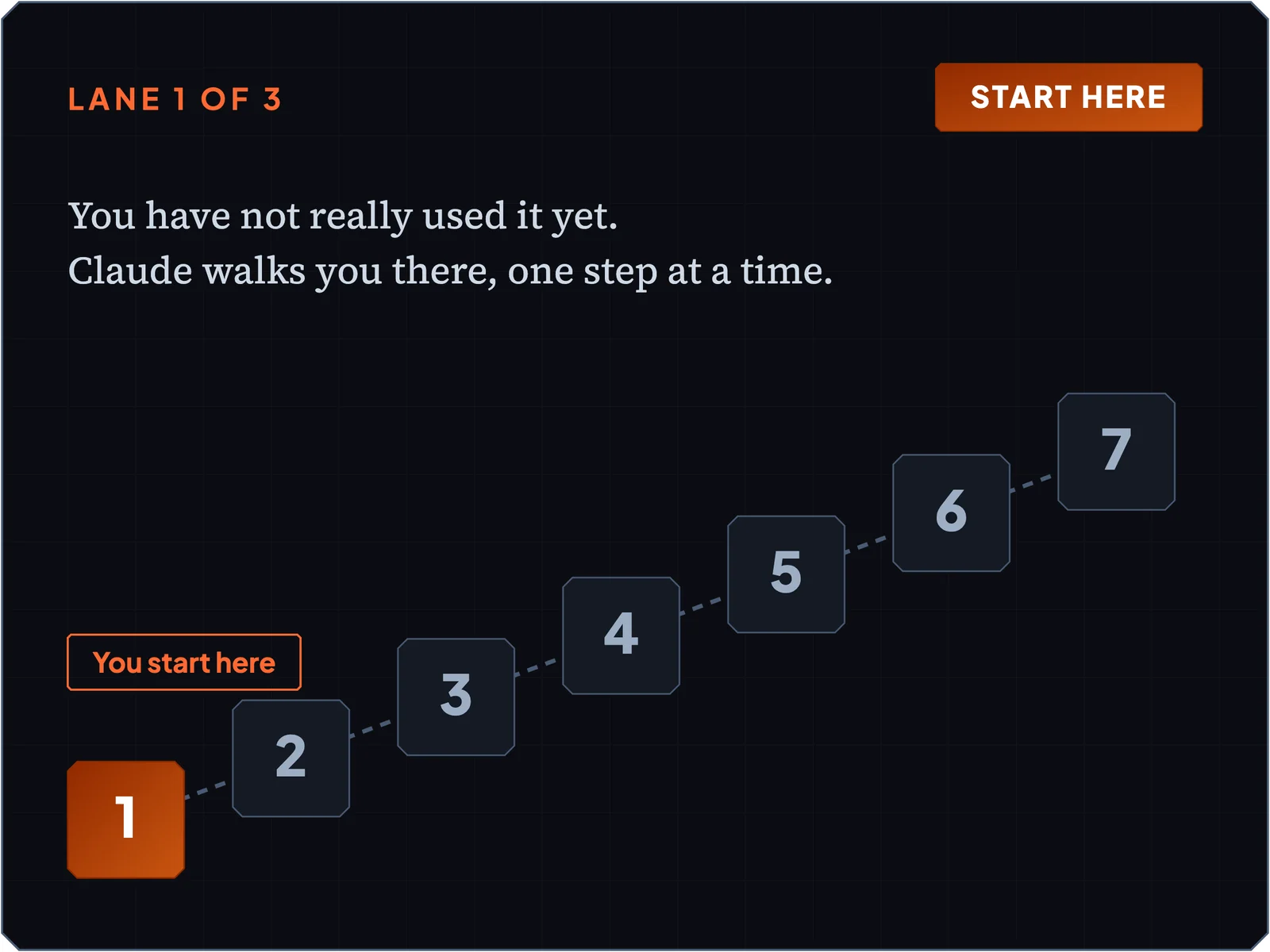
Lane 1: New to AI. You have not really used it yet. Claude walks you there, one step at a time.

You start at the very beginning, one small step at a time, and Claude does the clicking.
Dabbled with AI
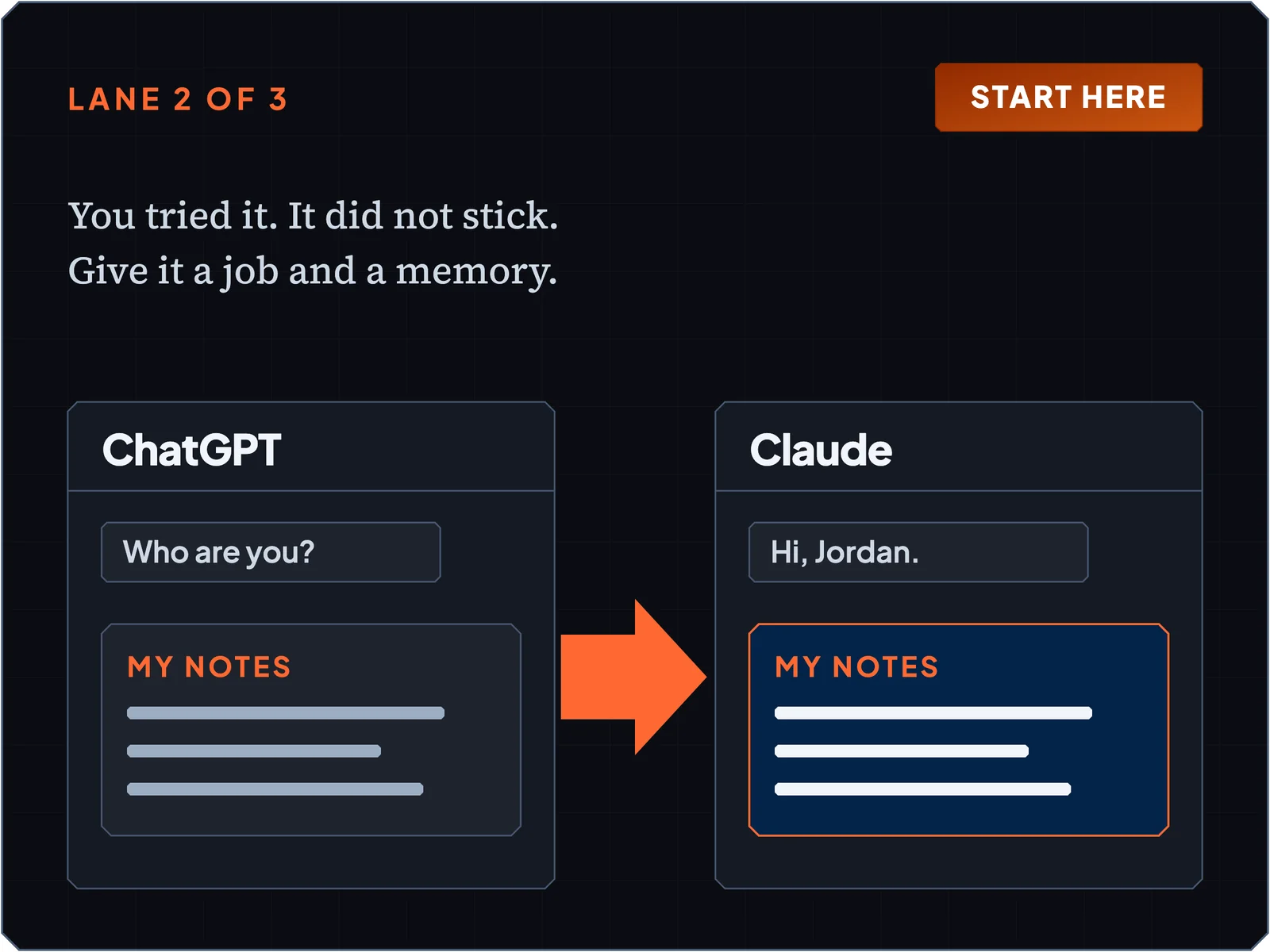
Lane 2: Tried ChatGPT. You tried it. It did not stick. Give it a job and a memory.

You bring over what it already knows about you, so you don't start from zero.
Power user
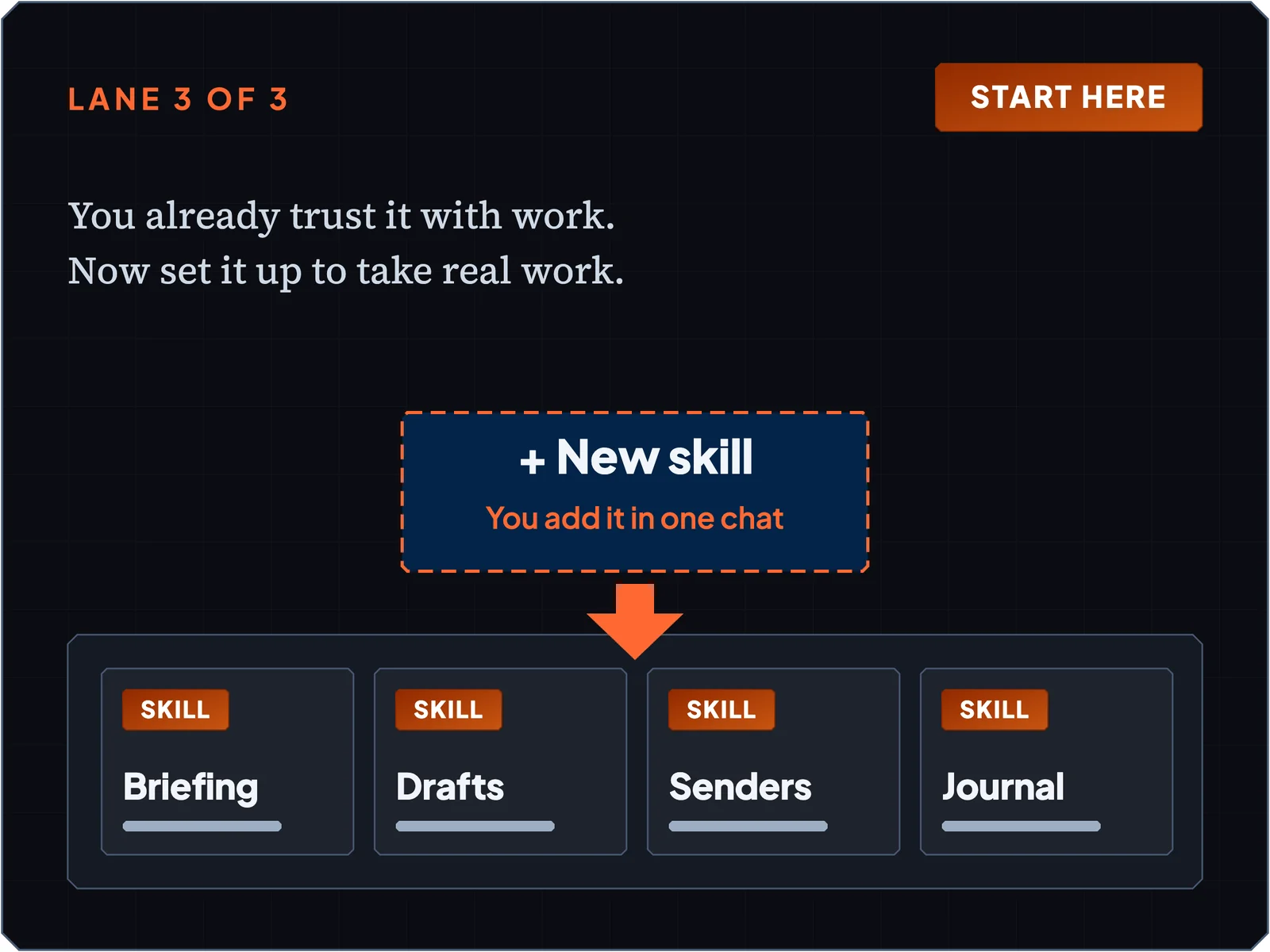
Lane 3: Use AI every day. You already trust it with work. Now set it up to take real work.

You skip the basics. You add the journal, the senders list, and a skill of your own, so your Claude knows you in every new chat.

Side by side

Most AI workshops and this one

QuestionMost AI workshopsThis workshop
What you work onA made-up companyYour own work and your own email
Who guides youSlides you copy fromA coach inside your Claude that knows your step
If you fall behindYou're on your ownKai Link keeps your place
What you leave withA pile of prompts and a certificateA helper that's already working
If it doesn't workGood luckI keep helping you by email until it does
After the live dayA recordingKai Link to keep, and email help through December 3
If you change your mindNo refundA full refund for any reason, through Thursday, December 3
Proof

What people say about working with Josh

In their own words.

Is this too hard for me?

“I can’t express enough, how easy Josh made the process.”

Danica
A 5-star review on Trustpilot

“From this review, I'm hoping you can see he works well with people who are older and/or need extra patience in the process!”

Roxy
A 5-star review on Trustpilot

If you can answer questions about your work, you can do this.
A real result

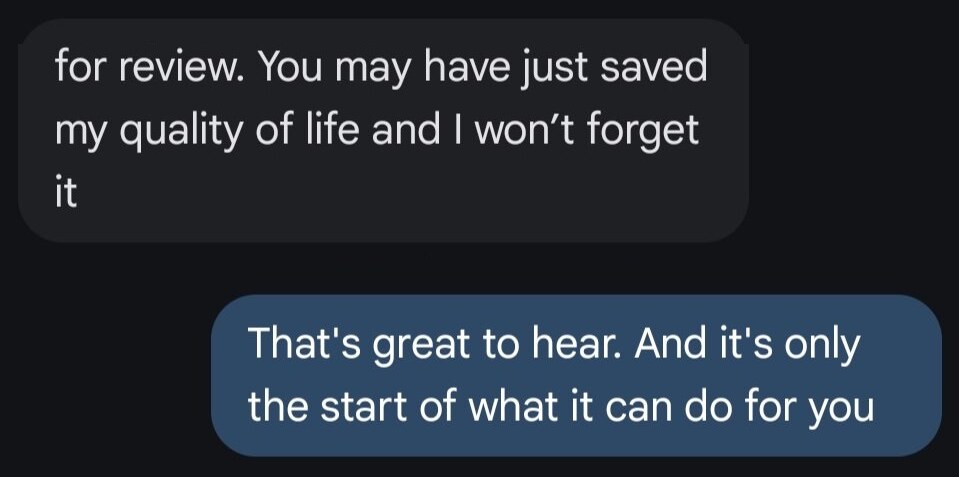
Text message from Tegan. Last sentence: You may have just saved my quality of life and I won't forget it

“You may have just saved my quality of life and I won't forget it.”

Tegan, VP of HR at Manor Med Spa, after one session.

“Kaizn AI has completely changed the way we execute our business.”

Alex
A 5-star review on Trustpilot
Josh Cross smiling next to a laptop showing a clean inbox, with Kai the mascot beside him.
Your teacher

Why I teach this

I'm Josh Cross. Teaching is the thing that gives my life purpose, and that's why I built the Kaizn Academy. I started using Claude heavily in February and I've made nearly a billion words with it. A lot of those were wasted, because I was learning by doing.

I run my own company with Kai, the AI assistant I built in Claude. I don't know anyone with an AI assistant that does what Kai does. On Thursday you build the first piece of your own.

I built software for a company in two months without being a developer.

Kai is the mascot you'll meet inside Kai Link. Danica put it this way: “Whatever your AI needs, Josh and Kai can help you.” Danica

The live day

Your morning, hour by hour

Before the workshop, I email you exactly what to do to get ready.
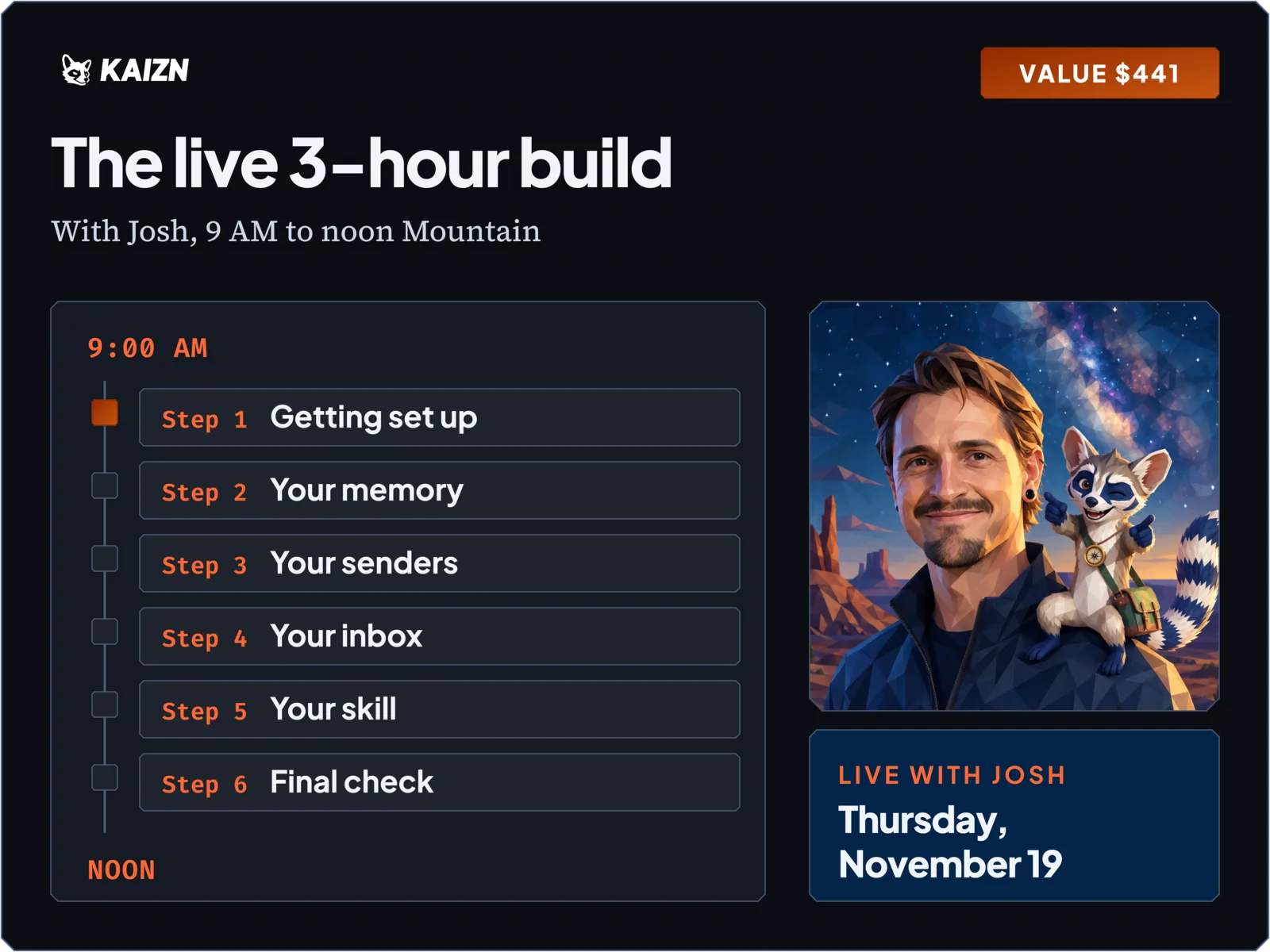
  1. 9:00, Step 1:Getting set up. Claude checks your plan and your tools. You leave with your path chosen, and Gmail, Calendar, and Drive reachable.
  2. Step 2:Your memory. Seven questions, one journal. You leave with a brand new chat that knows who you are.
  3. 10:00, Step 3:Your senders. You give each sender one, two, or three stars. You leave with saved rules for who matters.
  4. Step 4:Your inbox. You leave with a briefing, a list of what you owe, and two drafts that stay drafts.
  5. 11:00, Step 5:Your skill. You install the journal keeper. You leave with it switched on and reading your journal.
  6. Step 6:Final check. Three tests in fresh chats. You leave with an AI assistant that answers about you, and three newest email subjects that match your real inbox.
Everything included

What you get

  • The live 3-hour build. A timeline from 9:00 AM to noon lists six chats (Getting set up, Your memory, Your senders, Your inbox, Your skill, Final check) beside a photo of Josh with Kai.

    The live 3-hour build with Josh.

    We build your AI assistant together, start to finish, so you do it once with help.

    Value $441
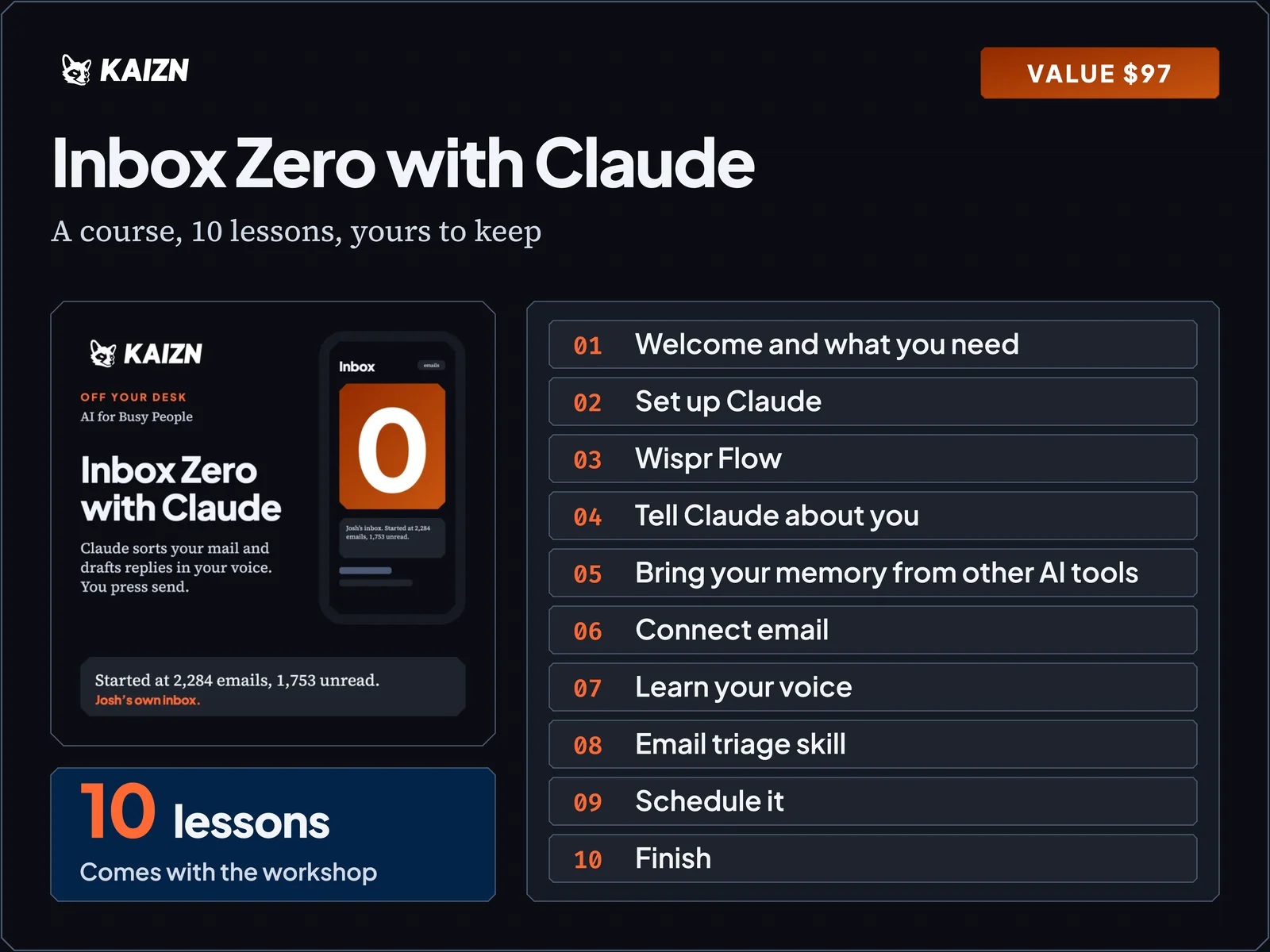
  • Inbox Zero with Claude. The course cover beside its 10 lesson titles, from Welcome and what you need to Finish.
    Bonus 1

    Inbox Zero with Claude (a course).

    Ten short lessons on email with Claude, so the inbox stays clear after Thursday.

    Value $97
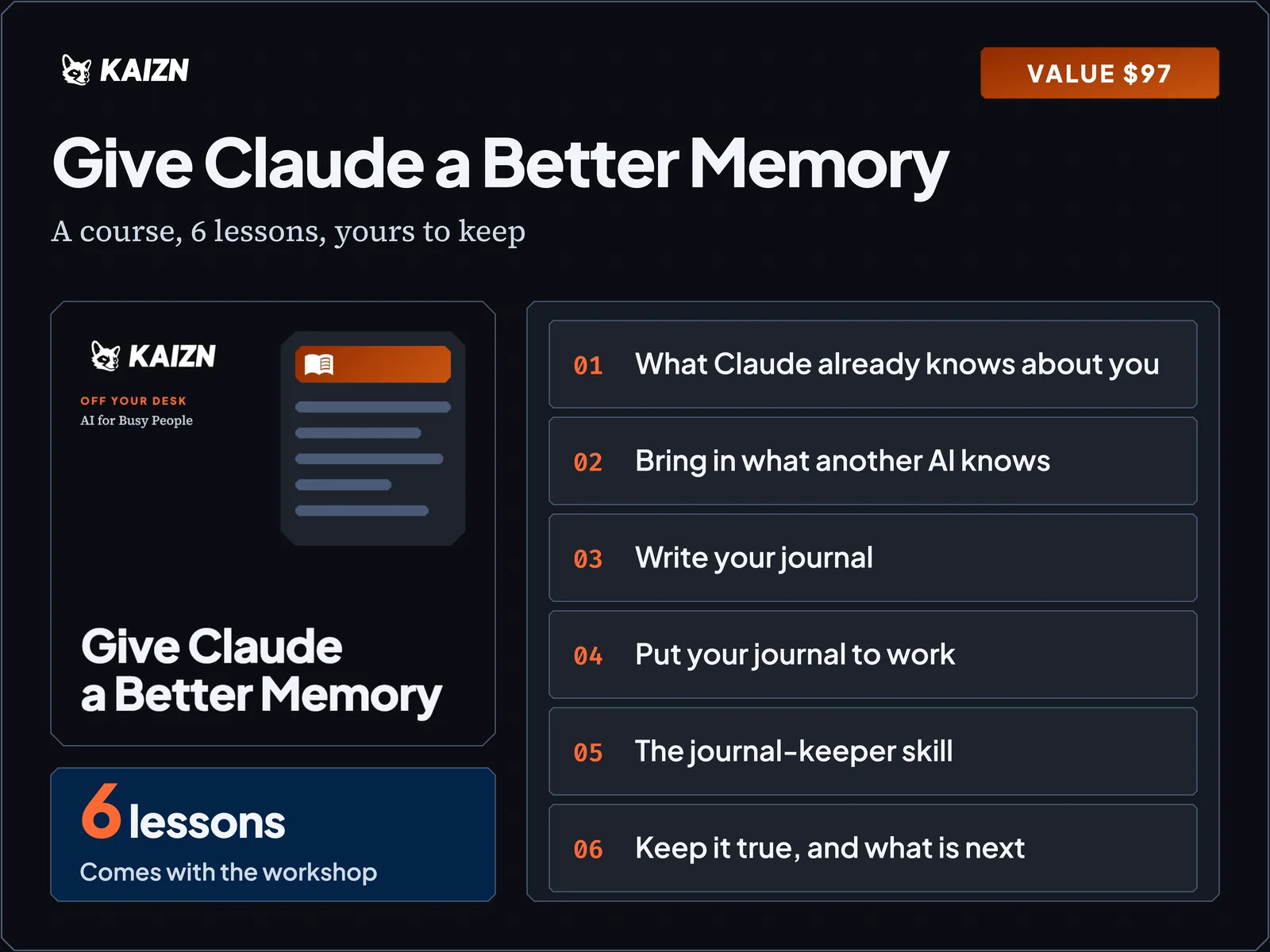
  • Give Claude a Better Memory. The course cover beside its 6 lesson titles.
    Bonus 2

    Give Claude a Better Memory (a course).

    Six lessons on your journal, so Claude knows your work in every chat.

    Value $97
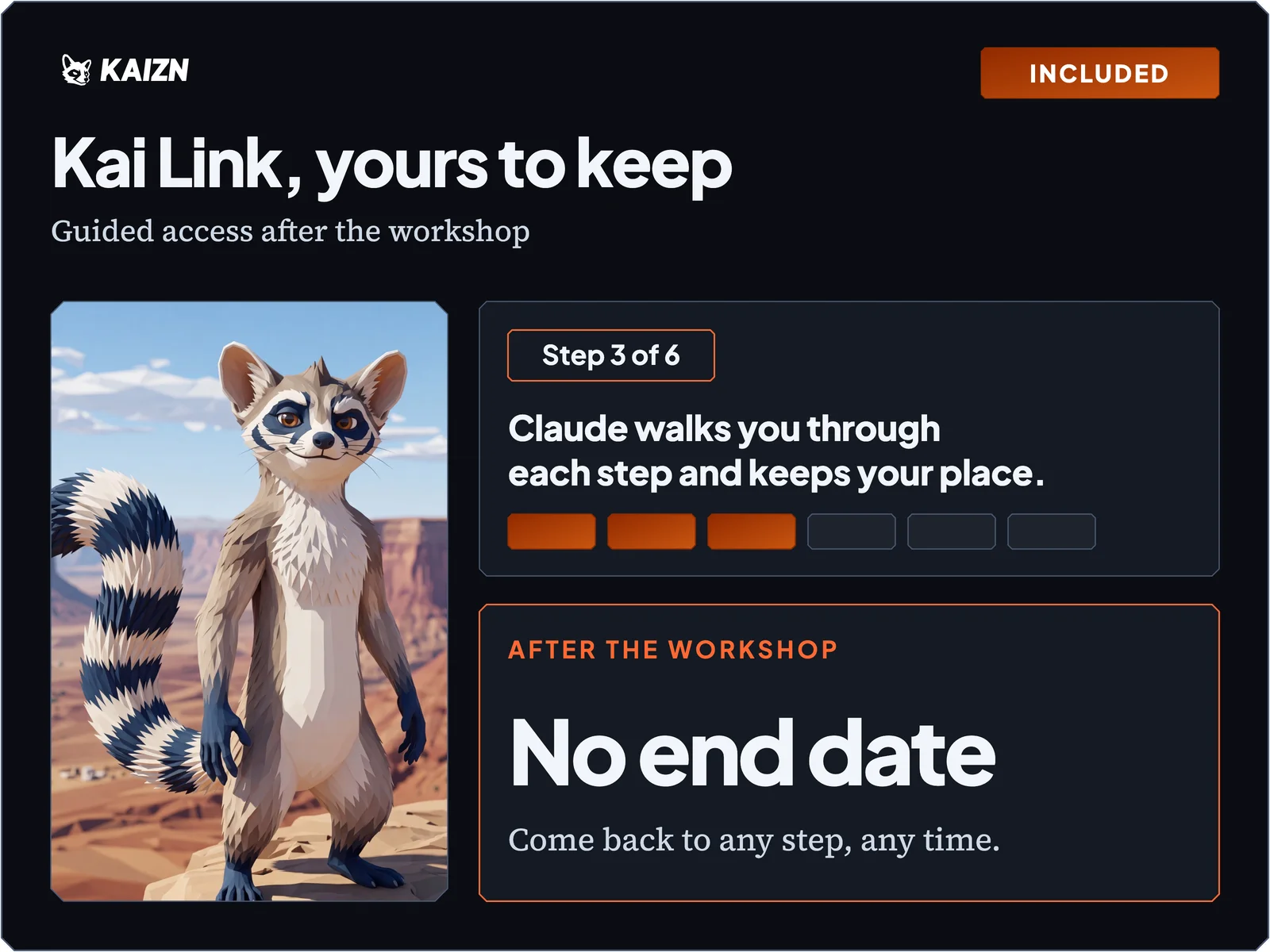
  • Kai Link, yours to keep. Kai the raccoon and a Step 3 of 6 progress bar.

    Kai Link, yours to keep.

    Your guide stays with you after the workshop, so you can pick up any step later or run a job from the Job Library.

    Part of the workshop
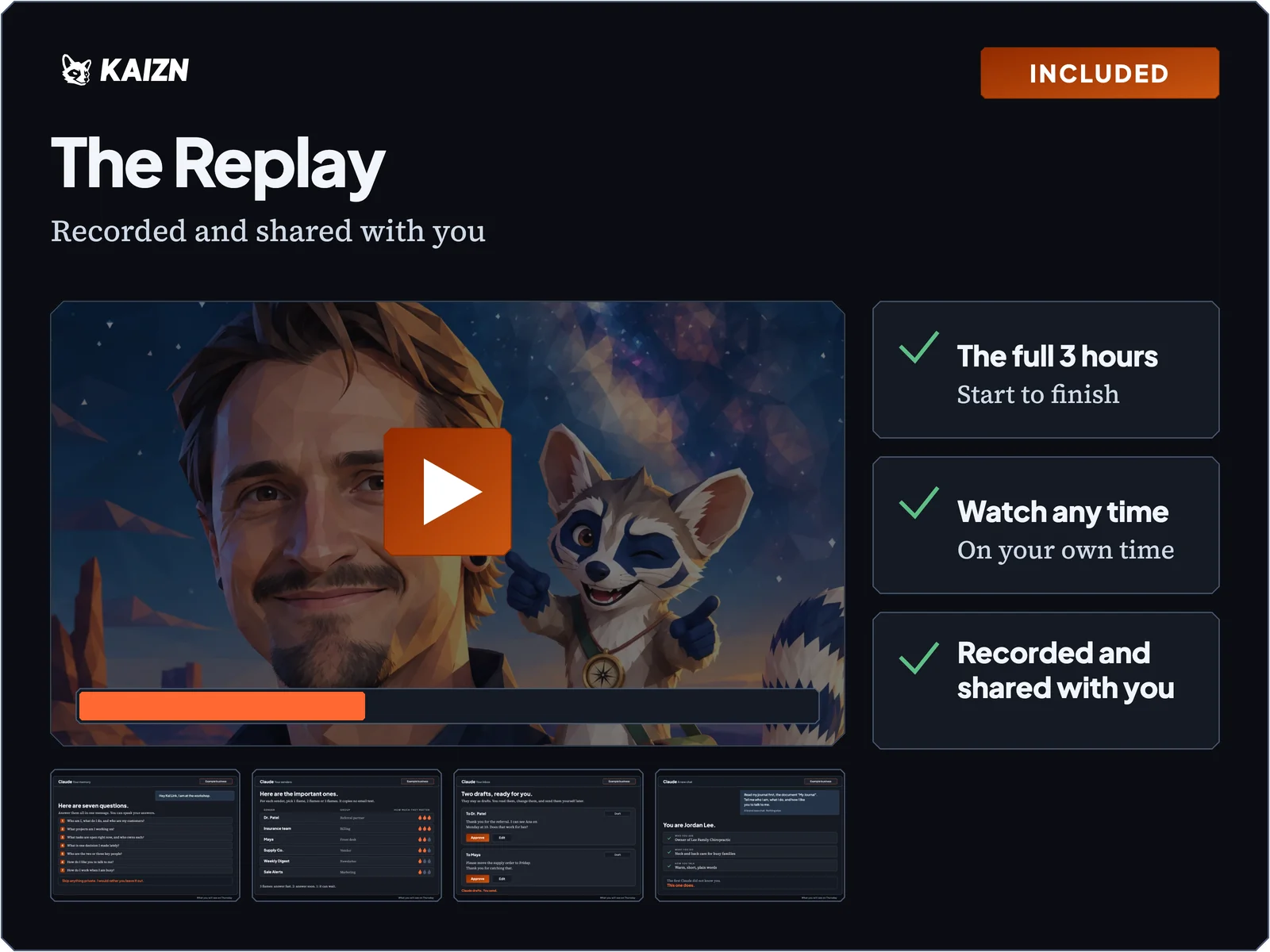
  • The Replay. A video frame over a photo of Josh and Kai with a play button, four moments below, and three ticks: full 3 hours, watch any time, recorded and shared with you.

    The full replay.

    Watch any part again and pause whenever you like.

    Part of the workshop
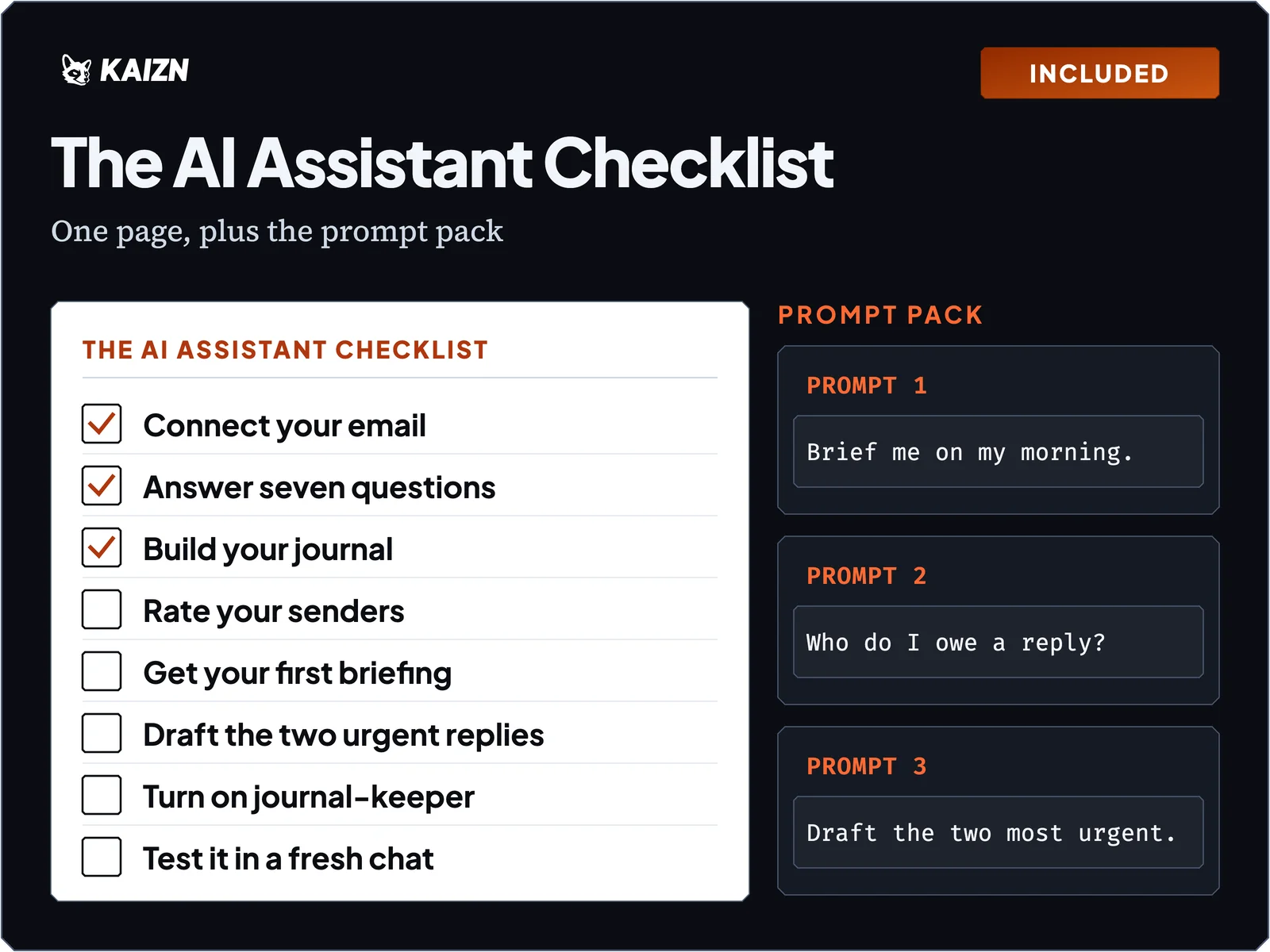
  • The AI Assistant Checklist. A one-page checklist of eight real steps from the chats, and three prompts from the prompt pack.

    The AI Assistant Checklist and prompt pack.

    One page you can stick on your wall, so you can run the steps without me.

    Part of the workshop
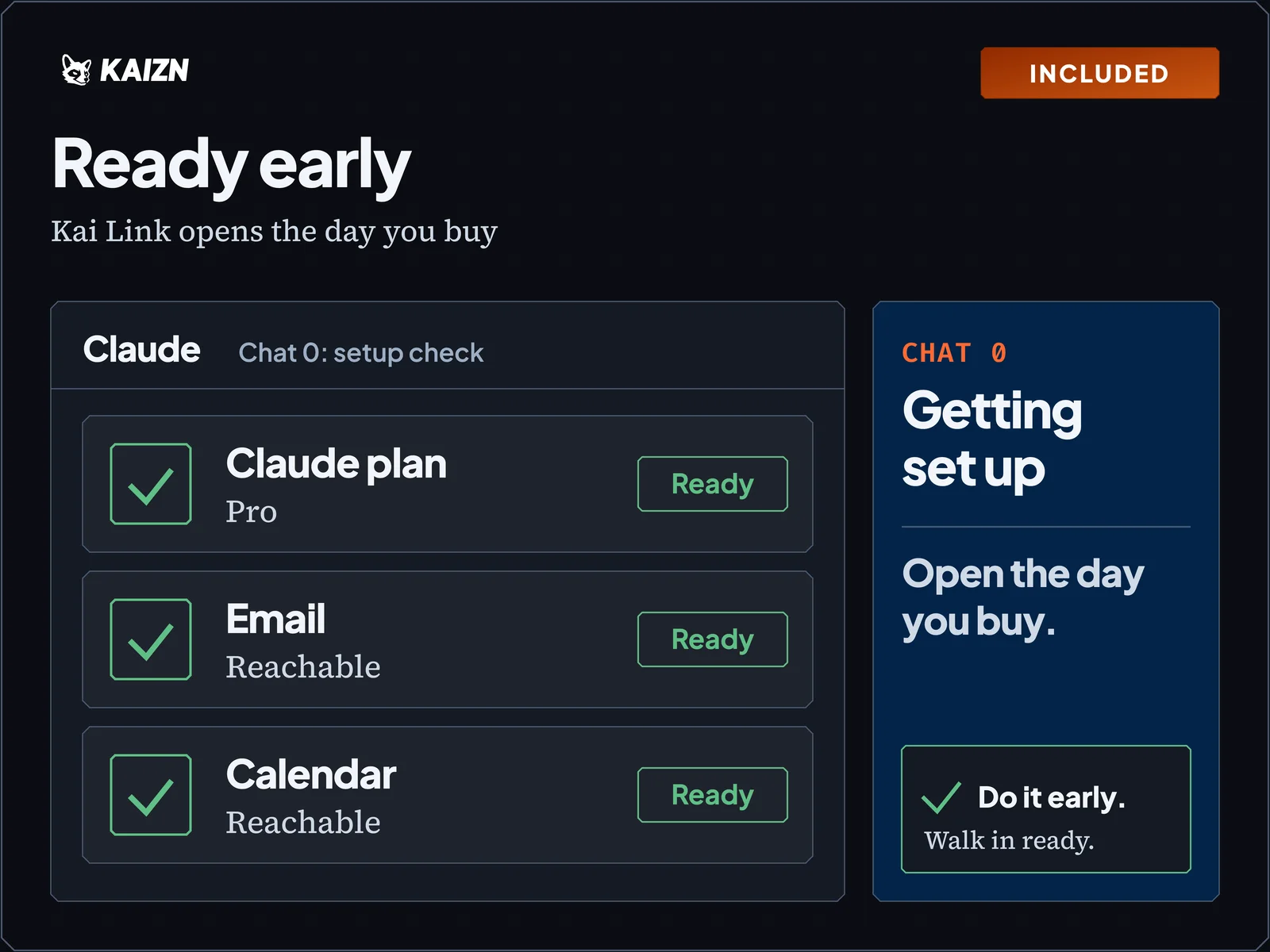
  • Ready early. A setup check with three ticked lines: Claude plan Pro, email reachable, calendar reachable.

    Ready Early.

    Kai Link opens the day you buy, so you can do the setup step before Thursday and the live day starts at the fun part.

    Part of the workshop
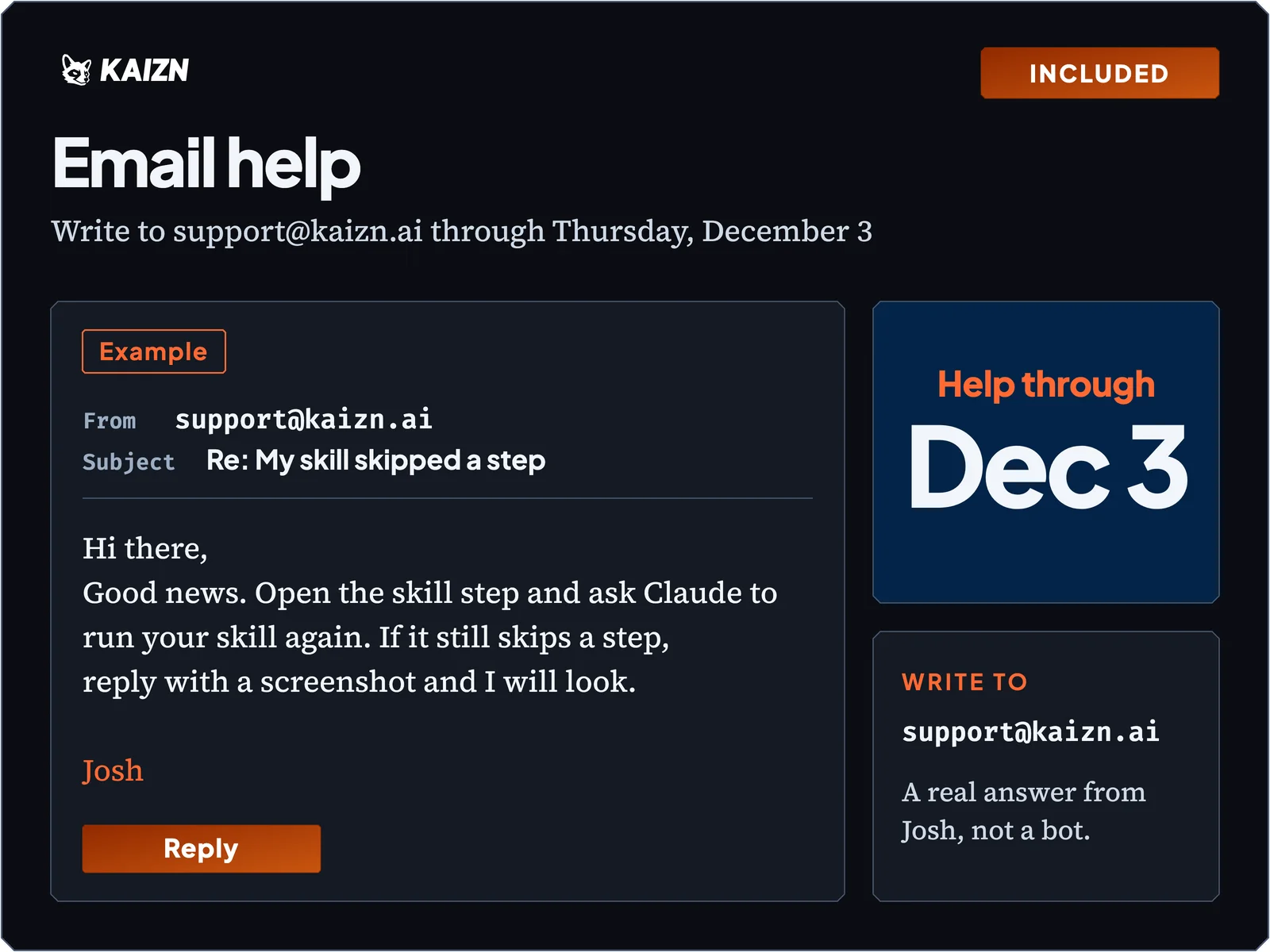
  • Email help. An example reply card from support@kaizn.ai labeled Example, and email help through Thursday, December 3.

    Email help at [email protected] through December 3.

    You ask and I answer, so a Tuesday night problem doesn't wait for next week.

    Part of the workshop
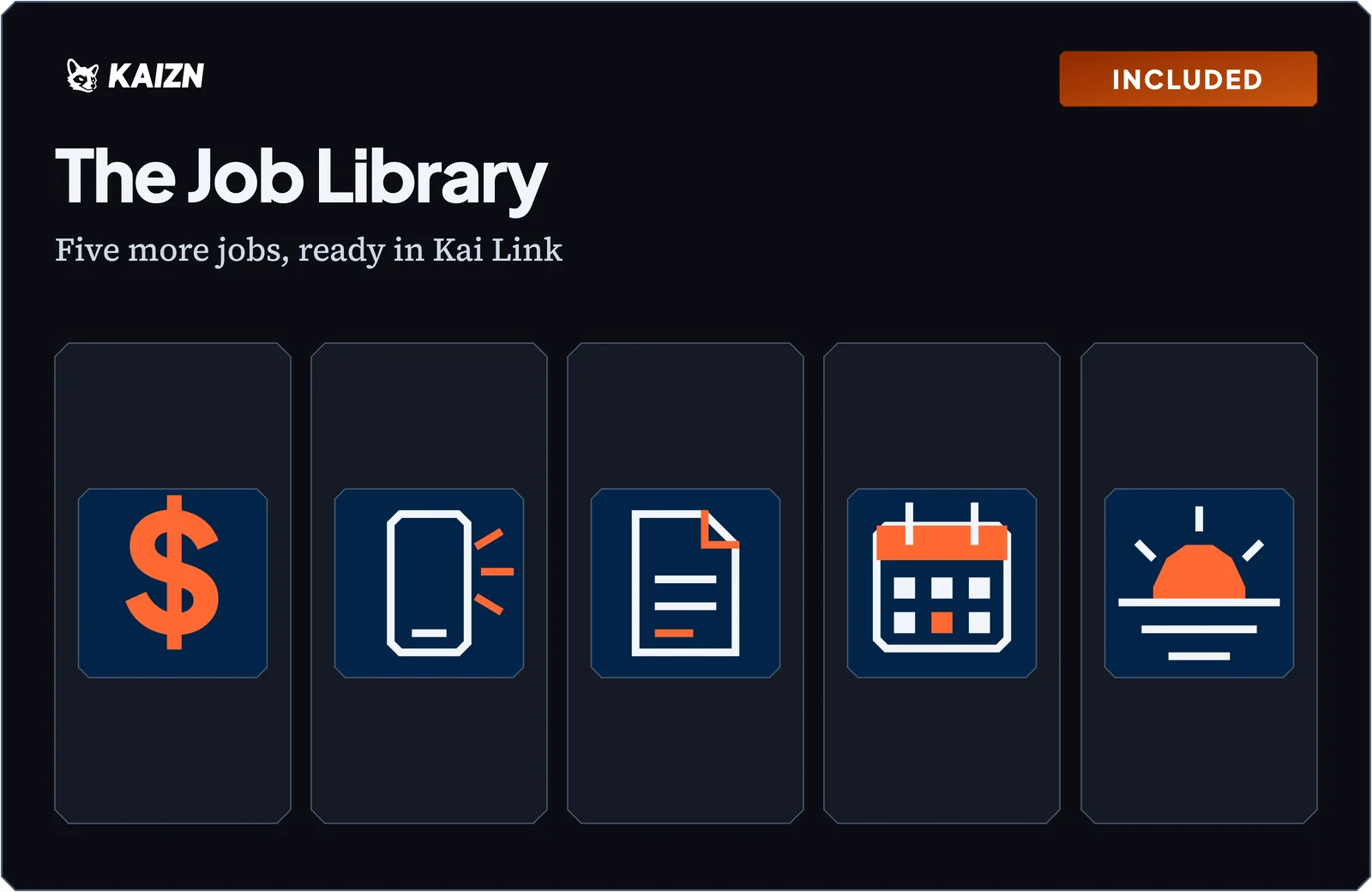
  • The Job Library: five more jobs ready in Kai Link, shown as five icons.

    The Job Library.

    Five more jobs, ready to run in Kai Link the same way: you type “next.”

    1. Meeting prep: a brief before any meeting.
    2. Call follow-up: your notes become a recap email draft and a to-do list.
    3. Chase what you're owed: finds the threads where someone owes you and drafts a kind nudge for each.
    4. Quote or proposal first draft: a first draft from a few lines of notes, in your voice.
    5. End-of-day shutdown: shows what is left and what is tomorrow, with drafts ready so you can stop for the day.

    Part of the workshop

Your price

Total value: $635

$97

After Friday at 5 PM Mountain the price is $147.

Sales close when the workshop starts, 9 AM Mountain on Thursday, November 19.

Only 50 seats.
Risk-free

Three promises, so you can't lose

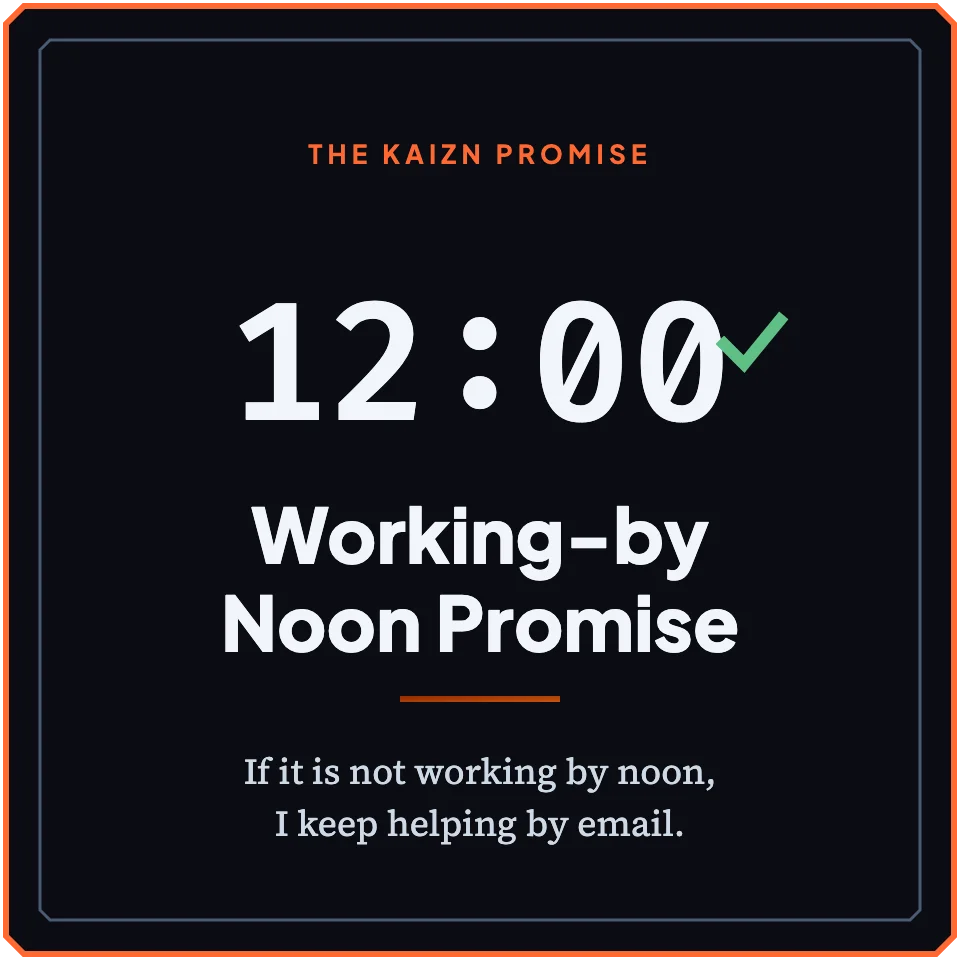
  • Working-by Noon Promise. If it is not working by noon, I keep helping by email.

    The Working-by-Noon Promise.

    If your AI assistant isn't working by noon, I keep helping you by email until it is. Working means your final check passes for your path.

  • 14-Day Full Refund. Any reason. No call.

    The 14-Day Full Refund.

    For any reason, email [email protected] by Thursday, December 3, and I will refund you the full amount. No call and no questions.

  • Time-Back Guarantee. Save 3 hours by Thursday, December 3, or I refund you in full.

    The Time-Back Guarantee.

    Finish every step, and Kai Link keeps track. If your AI assistant doesn't save you 3 hours by Thursday, December 3, I will refund you the full amount.

    To claim it, finish every step by Thursday, December 3. Then email [email protected] and tell me it did not save you 3 hours. Your word is enough.

“Working with Josh has been incredible.”

Alexander
A 5-star review on Trustpilot
Be honest with yourself

Is this for you?

This is for you if

  • You run a business or work in one, and your email takes too much of your day.
  • You have Claude Pro or higher.
  • You're happy to read each draft before it goes out.

Skip it if

  • You want Claude to send mail for you. It drafts and you send.
  • You plan to stay on the Free plan. This workshop needs Claude Pro.
Answers

Questions you might have

Do I need to know how to code?
Nope. You type, or you talk.
Which Claude plan do I need, and what does it cost?
You need Claude Pro. It costs $20 a month, or $17 a month if you pay for a year. If someone has to approve it, ask before Thursday. The setup step checks your plan first.
Gmail or Outlook?
Both work. The setup step checks which one you use and picks your steps.
My work email won't let Claude connect. Now what?
Some work accounts need your IT person to say yes. If they say no, you skip the email steps. You still get the journal and the skill. The setup step shows you which path fits. If your company pays for Claude on a Team or Enterprise plan, the plan’s owner may need to add Kai Link for you first.
Is my data safe?
Your email stays between your own Claude and your email account. Kai Link never opens it. The memory step tells you to leave out anything private. Claude drafts, and you press send. If your work has health or legal records, leave them out.
What does Josh see?
Which steps you finished, and a log of each time Claude uses Kai Link. The log keeps the first 500 characters of what Claude sent, with card, Social Security and birth-date numbers taken out. Kai Link never opens your email. It only sees what Claude sends it, and never the rest of your chats.
What if I miss it live or the stream drops?
You get the full replay, and Kai Link knows your step, so you pick up where you left off.
How long do I get access?
You keep Kai Link. There is no end date. If your AI assistant isn’t working by noon, I keep helping until it is. Other email help runs through Thursday, December 3.
Mac, Windows, or phone?
Build on a Mac or Windows computer, because you switch between two tabs. You can also watch on a phone.
I'm not techy.
Good, that's who this is for. Claude does the clicking and you answer questions.
Is there a pitch at the end?
Yes, a short one at the end. I tell the room about a small group I run. You can say no thanks, and everything you build is yours either way.
Why is it so cheap?
I want you to try it, and I want the price to be easy.

Set up an AI assistant that actually works, by noon.

“Josh builds with us, not for us.”

Stephan
A 5-star review on Trustpilot

“I recommend his services any chance I get and would love to work with him again!”

Rickyrene
A 5-star review on Trustpilot

Still deciding? Email your question to [email protected].

P.S. This is for busy professionals who want their email under control. The price goes to $147 after Friday at 5 PM Mountain. If your AI assistant isn't working by noon, I keep helping you until it is.

P.P.S. If you've been meaning to fix your inbox since last spring, this is the morning. Bring coffee.

Nov 19, 9 AM to noon MountainSave my seat, $97
