It takes longer than doing it myself.
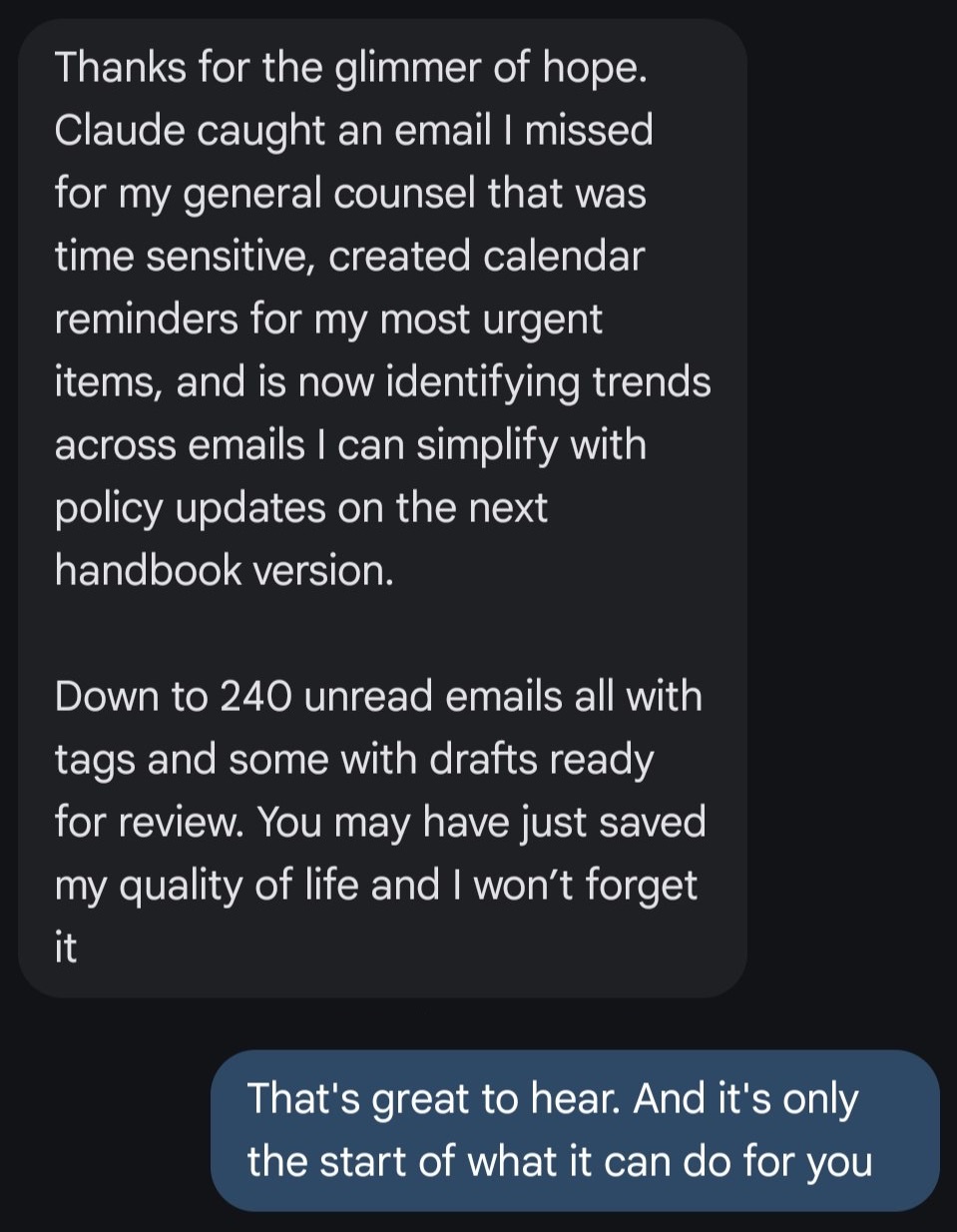
Setup is a one-time job. Then Claude sorts and drafts every weekday morning or whenever you tell it to, getting better with feedback.
Drafts don't sound like me.
In Lesson 7 Claude reads your 50 most recent sent emails and writes down how you write. You read every draft before it goes anywhere.
I don't want Claude sending email as me.
Neither do I. That's why Lesson 6 blocks it. Claude writes drafts, and you press send.
I'm not technical.
You do not need to be. The lessons show you what to click, and Claude builds the files. You write no code. You don't even need to know what a terminal is.
I'm afraid of clicking the wrong setting.
Lesson 2 takes you through it one step at a time: pick which Claude to use, switch off the setting that lets your chats train Claude, and see how much you have used.
I already tried AI on my email and it made slop.
The setup is what you were missing. This course is the setup: one step at a time, on your own accounts. Just follow some simple steps and Claude does the building.
Is my business data safe?
You set what Claude may do with your mail. Lesson 2 switches off the setting that lets your chats train Claude. Lesson 6 lets Claude read your mail and write drafts, and blocks send, reply, and forward. Check Anthropic's privacy terms for your plan, and get your owner's or IT lead's yes before you connect company accounts.
My computer would have to stay on.
Not for the weekday run. In the cloud it runs on its schedule even with your computer off, and you can use it from your phone, browser, or the Claude app.
I use Outlook, not Gmail.
It works with both. Outlook means a Microsoft 365 work or school account, the kind your employer or school gives you. Your administrator gives a one-time approval, and drafts wait until your administrator allows Claude to save drafts. Personal Outlook.com, Hotmail and Live accounts are not supported.